

|
 |
|
|
| |
| TIP JAR | |
Frequency Shifting With Tonal Control
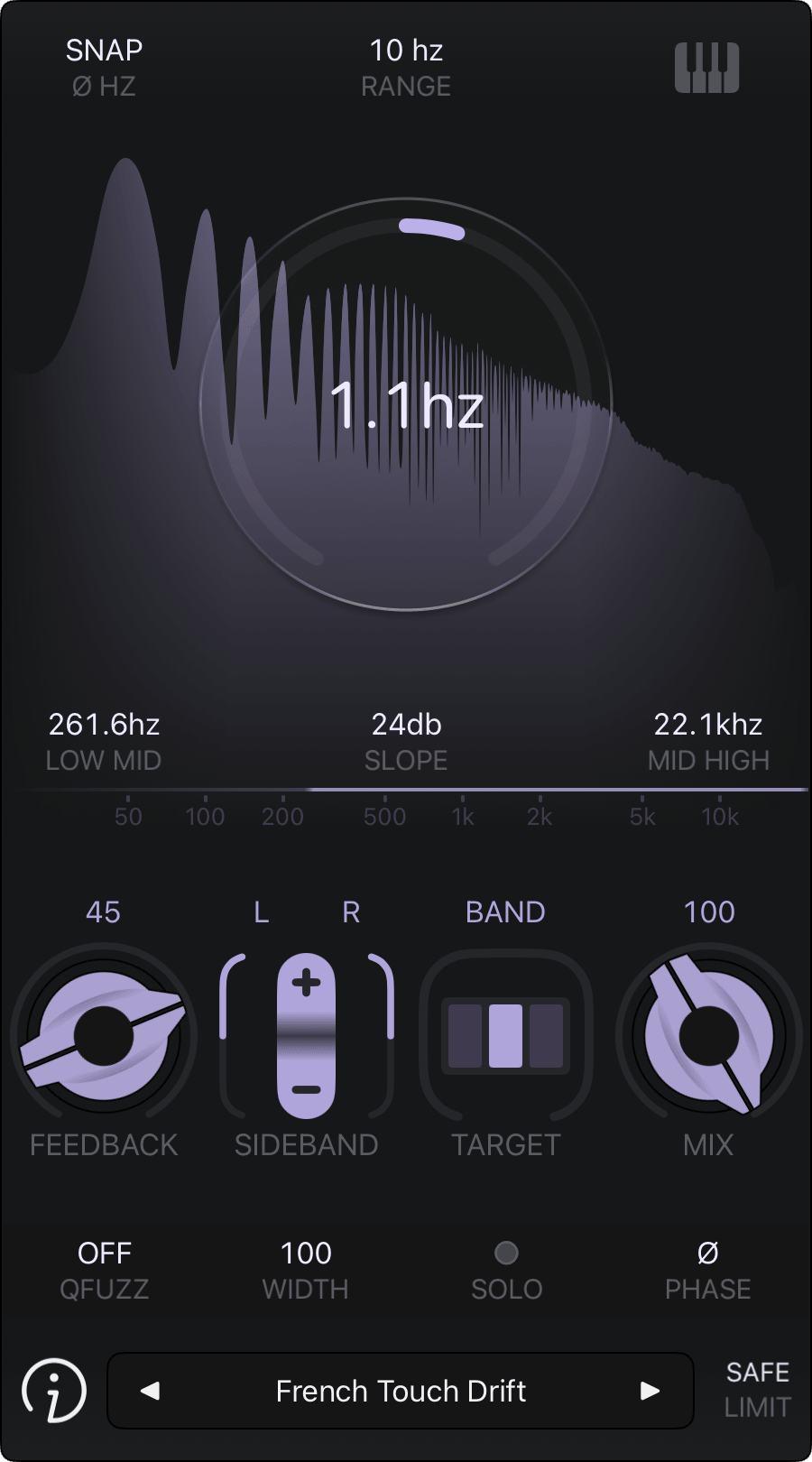
FAC Shifter is a multiband stereo frequency shifter designed for tonal control, combining selective frequency shifting across the spectrum with advanced MIDI note tracking. Sharing the same foundation as FAC Gravity, it brings a different creative perspective, making the two plugins natural complements.
The plugin can process the full spectrum or target a movable band-pass region defined by low and high crossover frequencies. This lets you precisely control which frequency range is shifted while leaving the rest untouched. You can preserve a bass fundamental while reshaping its upper harmonics, or add subtle phasey, chorus-like textures without transforming the entire sound.
To keep frequency shifting tonally coherent, two distinct MIDI key tracking modes determine how the shifter responds to the notes you play. You can anchor played notes to a fixed root note or let them follow the frequency shift directly. Both modes work alongside the main shifter param to open up more playable and musically controlled spectral transformations.
And there's still more to explore. You can infuse the shifter's internal quadrature processing with fuzz, ranging from subtle vibrato to chaotic distortion. The final sound can also be shaped by choosing which sidebands make it through, selecting positive or negative sidebands or combining both independently for the left and right channels.
The core frequency shifting controls are complemented by a feedback control for building resonance and spectral complexity, along with a dedicated width control for shaping the stereo image. A Dry/Wet control lets you blend the processed sound with the original, while an optional limiter helps keep the output under control.
FAC Shifter works as an Audio Unit FX, featuring a clean, touch optimized interface with precise control and real-time spectrum visualization. It’s available as an AUv3 for iOS (iPad/iPhone), macOS, and Vision Pro, and requires a compatible AUv3 host app to run.
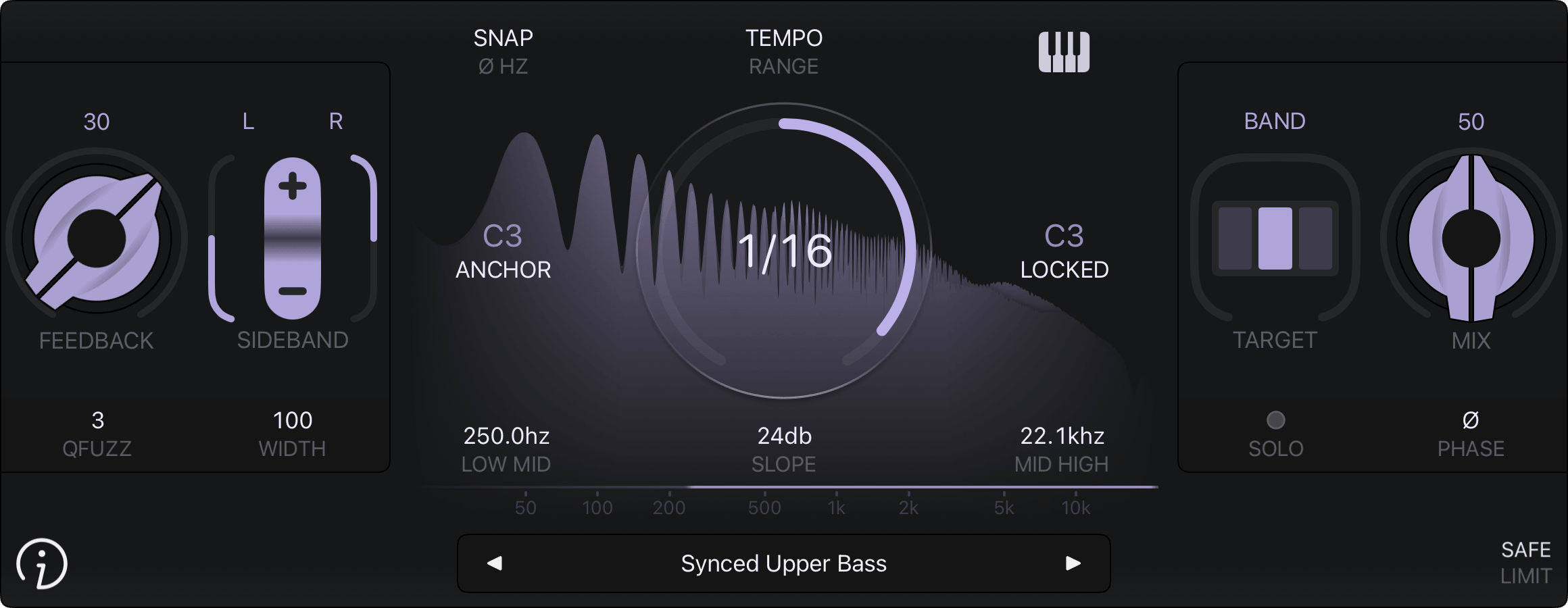
Ⓐ Frequency Shifting
|
|
Ⓑ MIDI Key Tracking
|
|
Ⓒ Multiband or Fullband
|
|
Ⓓ Feedback and Quadrature Fuzz
|
Ⓔ Sidebands and Width
|
Ⓘ Limiter
|
Ⓖ Preset Button Ⓗ Info Button
|
Additional Notes on MIDI Key Tracking
|
|
Always check your audio levels
In general, use the gain in parsimony, to avoid any excessive levels that may damage your ears or your system. FAC Shifter shall not be liable for any loss or damage of whatever nature (direct, indirect, consequential, or other) to your material (software, hardware, or other)
As with all FAC products, the interface has a unique sober look and provides a great user experience. The value of each knob can be monitored at any time. The knobs are very responsive, natural and follow a specific curve according to the parameter type
Preset Management
FAC Shifter also comes with factory presets to provide you a source of inspiration to satisfy your needs in any situation you might require
The preset button provides common management features: loading, organization, saving, importing and exporting. The left and right arrows allow fast navigation shortcuts among all the presets (factory + user), a short press on the center label provides a detailed list of all the available presets, select the one you want to work with. On the other hand a long touch (hold) provides contextual operation
Explore New Dimensions
FAC Shifter Multiband Frequency Shifter AUv3 Plugin (Official Trailer)
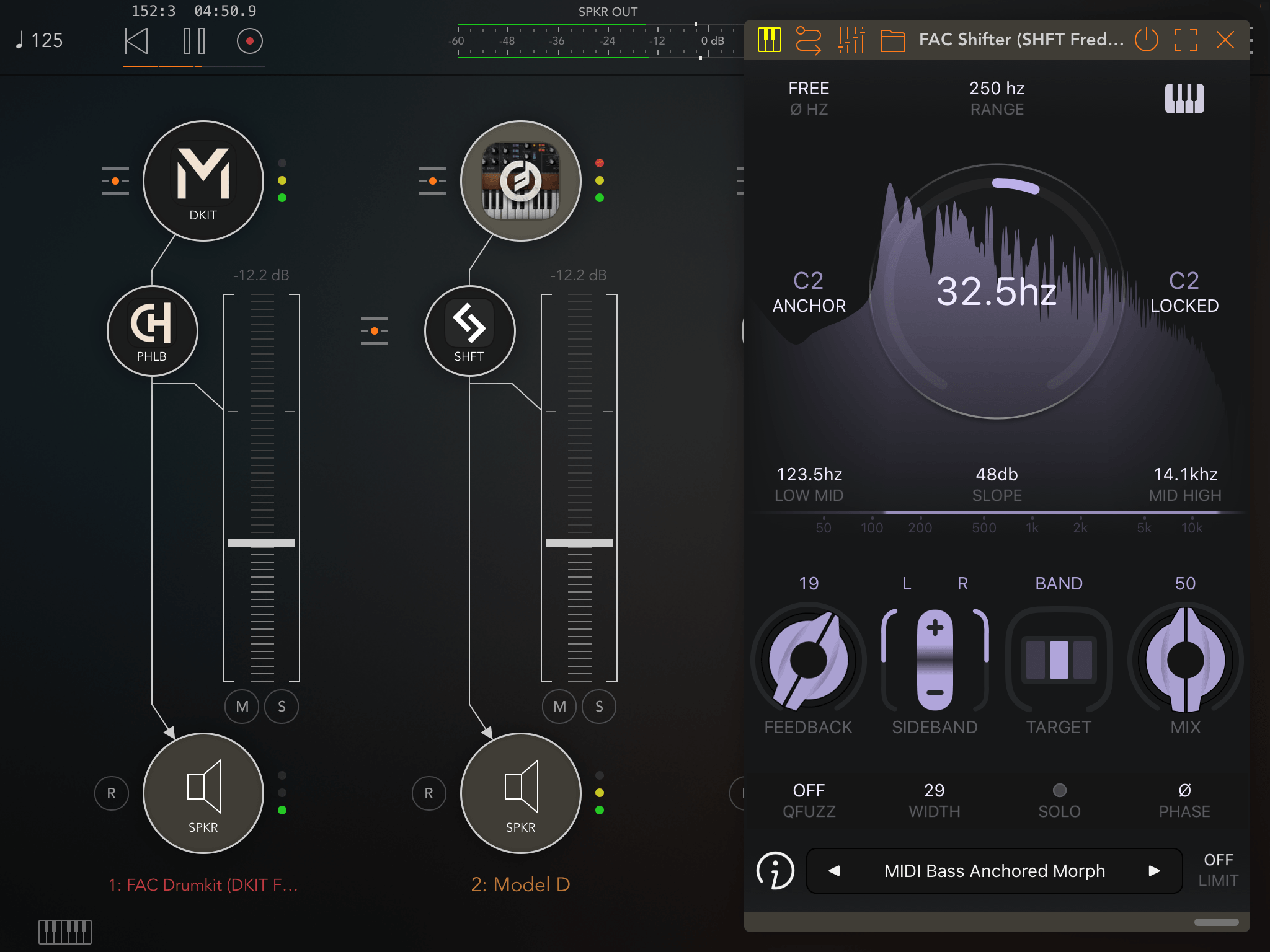
FAC Shifter MIDI Keytrack C2 - AUM
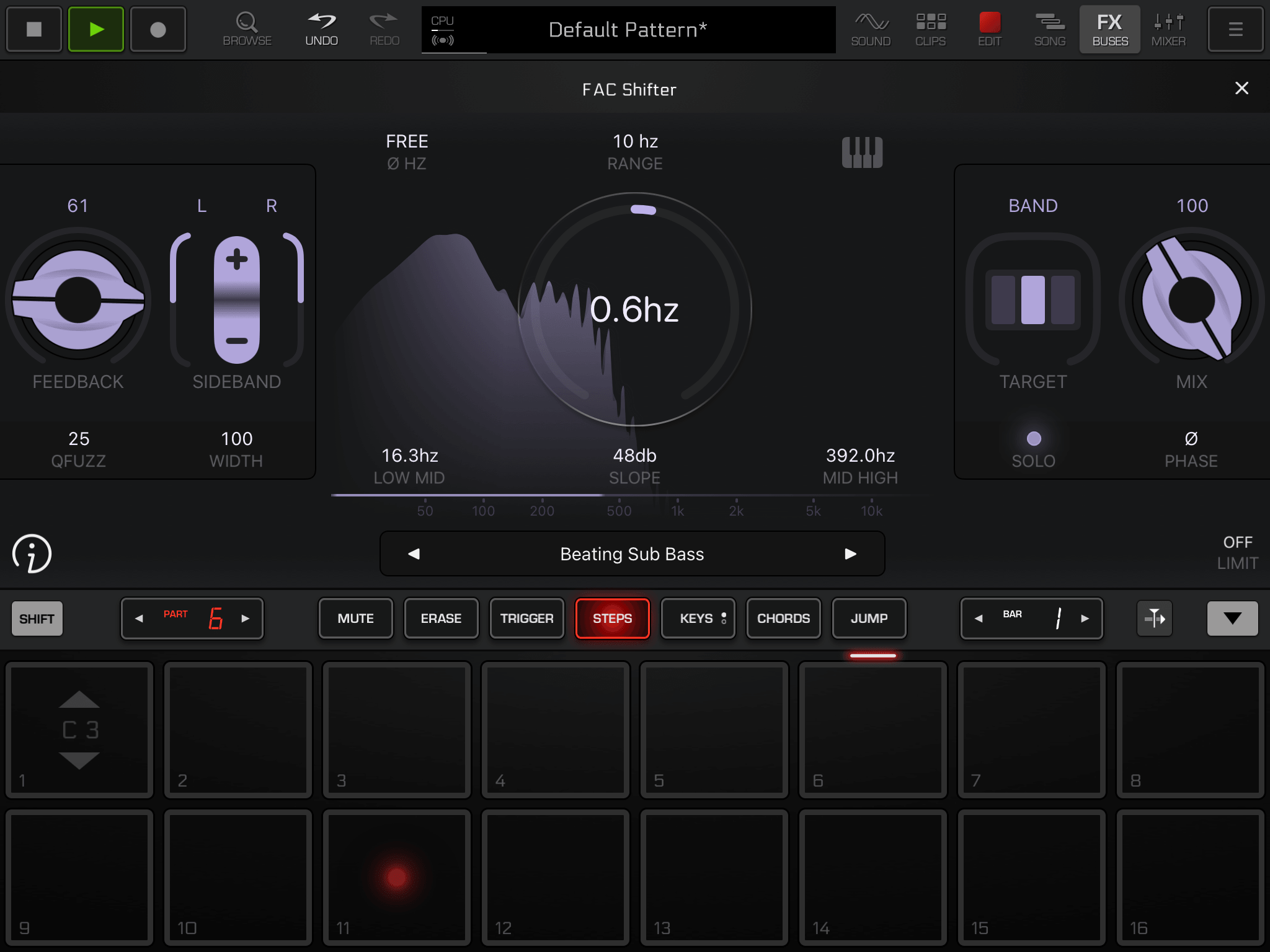
FAC Shifter - Groove Rider 2
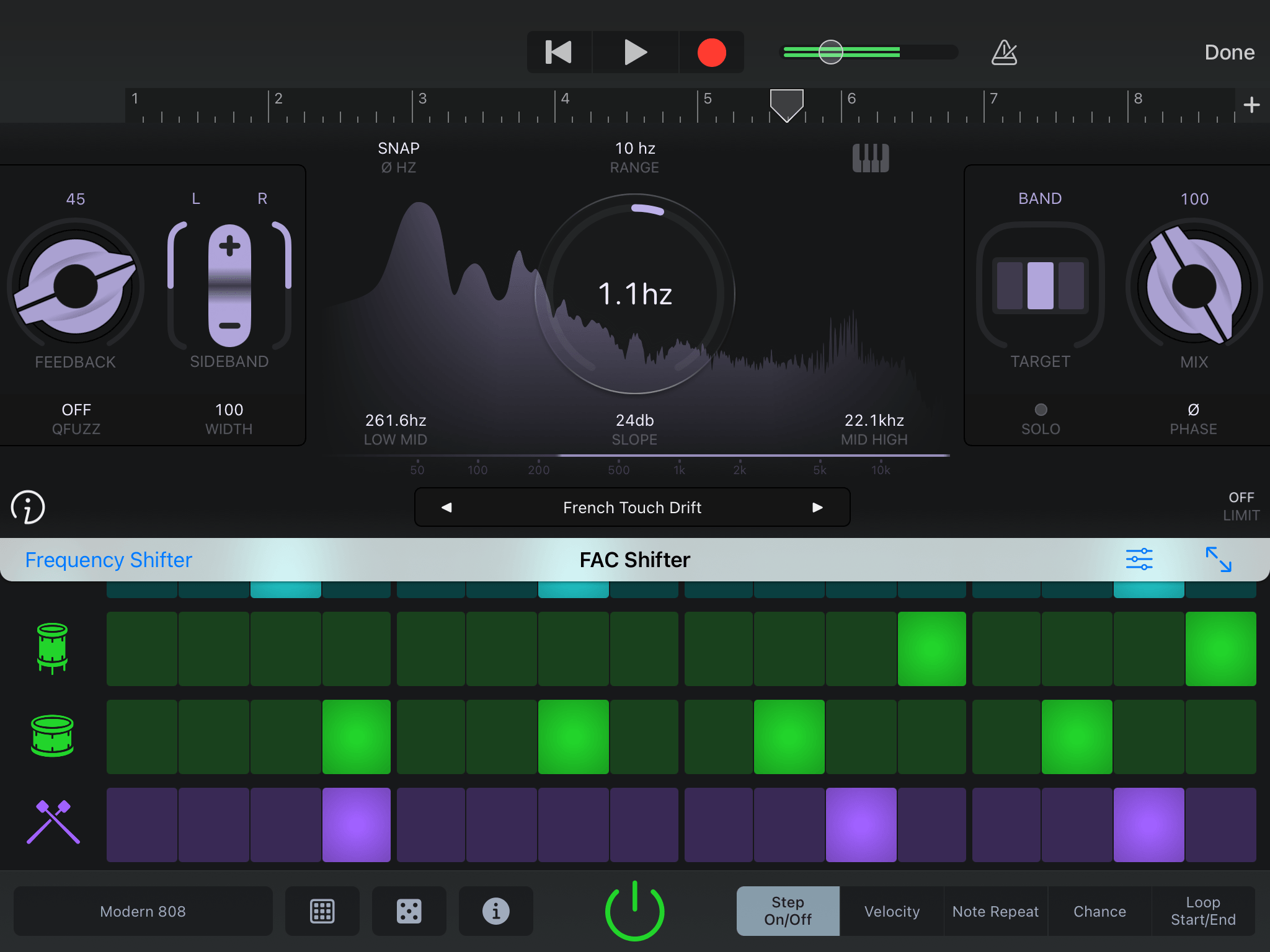
FAC Shifter - Garage Band
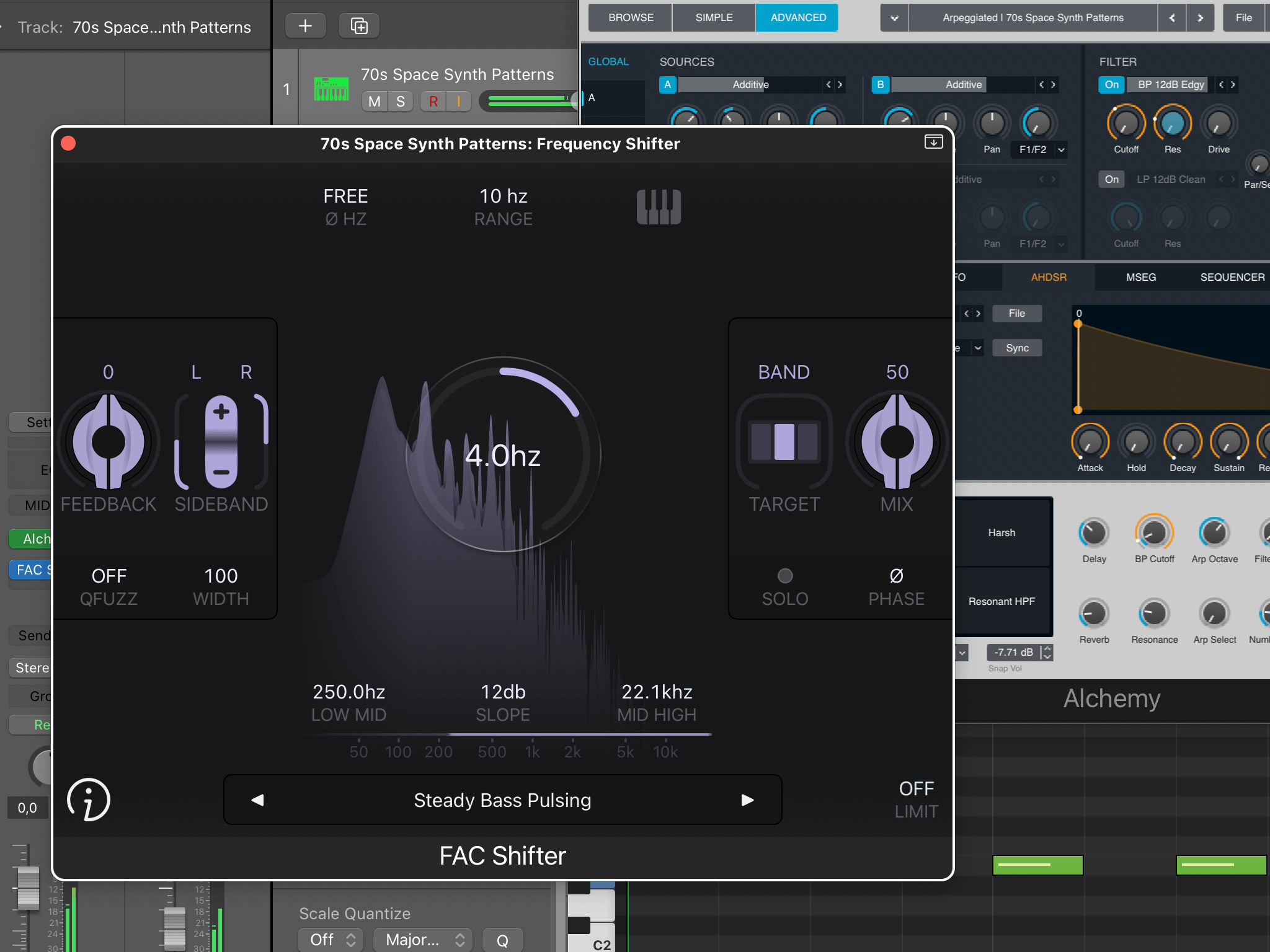
FAC Shifter - Logic Pro (macOS)