

|
 |
|
|
| |
| TIP JAR Get your FAC Bandit T-Shirt | |
Multiband Audio Effect
FAC Bandit is a multiband audio effect that splits your audio signal into three independent frequency bands, each processed with its own effect and then recombined to create the final sound. Choose from a set of effects, including saturation, lo-fi degradation, ring modulation, delay, reverb, chorus and stereo control, and blend them precisely within each band. Two adjustable crossover points give you full control over which frequencies are affected, allowing you to shape your tone with precision.
By targeting each part of the spectrum separately, you can apply effects in ways that full-range processing simply cannot achieve. FAC Bandit is a powerful sound design tool for musicians who want to craft unique, personal, and exciting sounds, either subtly, without altering the original tone, or in a more creative way.
With FAC Bandit, you get a multiband saturator, multiband lo-fi processor, multiband ring modulator, multiband delay, multiband reverb, multiband chorus, and multiband stereo control, with any combination across all bands!
Following the diagram below, the input sound is split into three bands (Low, Mid, High), which are then recombined at the output:
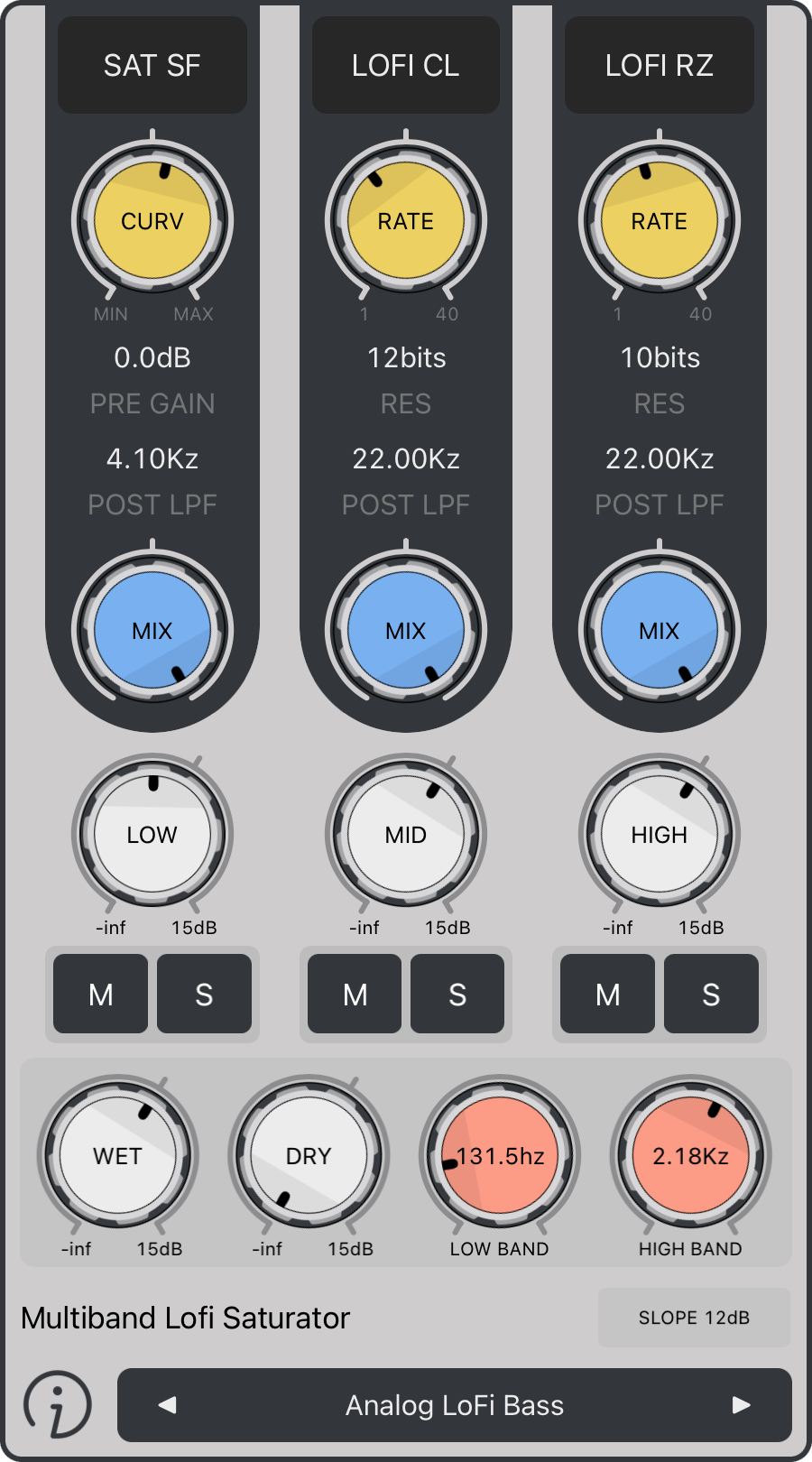
Saturation: Tube-like distortion
Parameters
|
Models
|
LOFI: Low resolution character of retro vintage samplers
Parameters
|
Models
|
Ring Modulator: Inharmonic content to your input signal, producing great percussion, metallic, or bell sounds
Parameters
|
Models
|
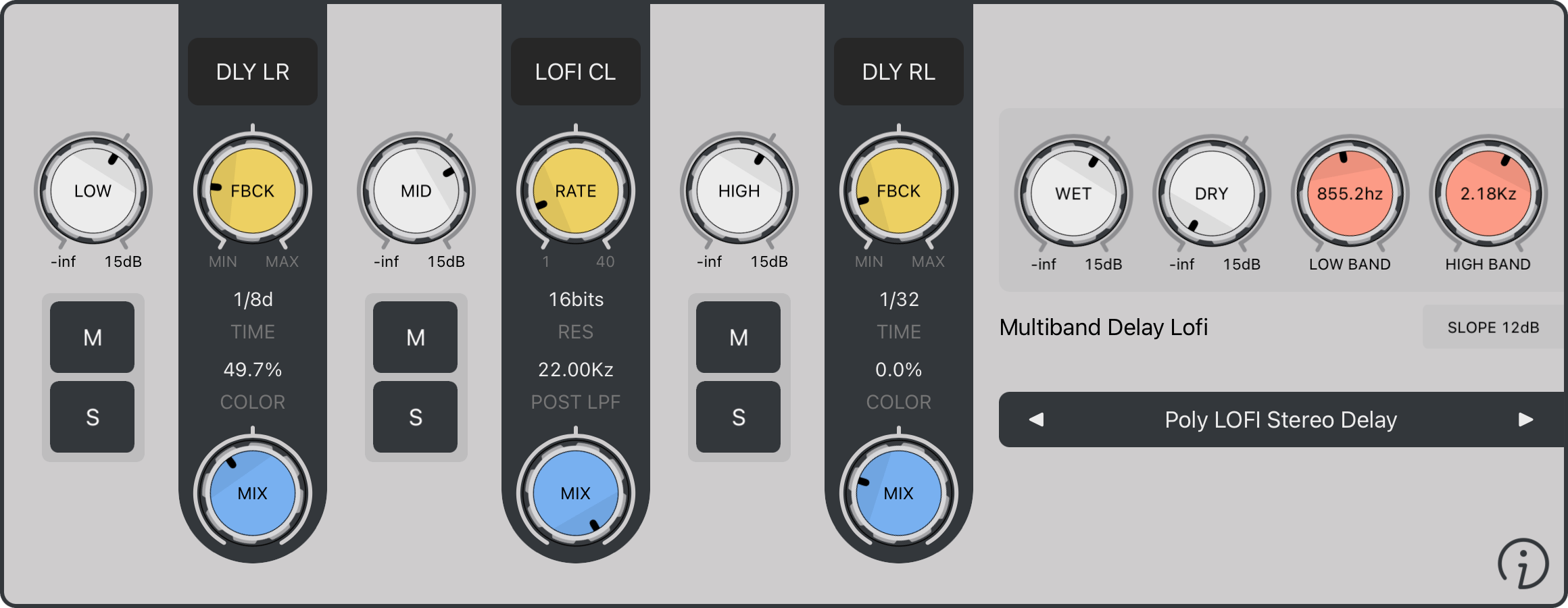
Delay: Tempo based delay, providing depth and ambience
Parameters
|
Models:
|
Reverb: Recreate the sonic ambience of rooms and spaces
Parameters
|
Models:
|
NEW Chorus: Authentic, lush, and organic
Parameters
|
|
NEW Stereo: Precision spatial control utility
Parameters
|
|
Linked Controls: In LINK mode, all band controls are linked, including crossover frequencies, gains, mixes, and FX parameters. The first knob or slider you touch controls the others, the changes are applied proportionally to the original gesture.
Multiple Outputs: Each band output is sent to a separate output bus, labeled Low, Mid, and High.
Host Routing: The plugin sends audio through these additional output buses, but routing is entirely handled by the host. It’s up to the host to receive these buses and provide a way for you to route them to mixer tracks or audio interface outputs. Check your host’s documentation for specific instructions on working with AUv3 multi-output plugins.
Always check your audio levels: In general, use the gains in parsimony, to avoid excessive levels that may damage your ears or your system. FAC Bandit shall not be liable for any loss or damage of whatever nature (direct, indirect, consequential, or other) to your materials (software, hardware, or other).
As with all FAC products, the interface has a unique sober look and provides a great user experience. The value of each knob can be monitored at any time. The knobs are very responsive, natural and follow a specific curve according to the parameter type.
Preset Management
FAC Bandit also comes with factory presets to provide you a source of inspiration to satisfy your needs in any situation you might require.
The preset button provides common management features: loading, organization, saving, importing and exporting. The left and right arrows allow fast navigation shortcuts among all the presets (factory + user), a short press on the center label provides a detailed list of all the available presets, select the one you want to work with. On the other hand a long touch (hold) provides contextual operations.
Creative 3-Band Multi-FX Processor
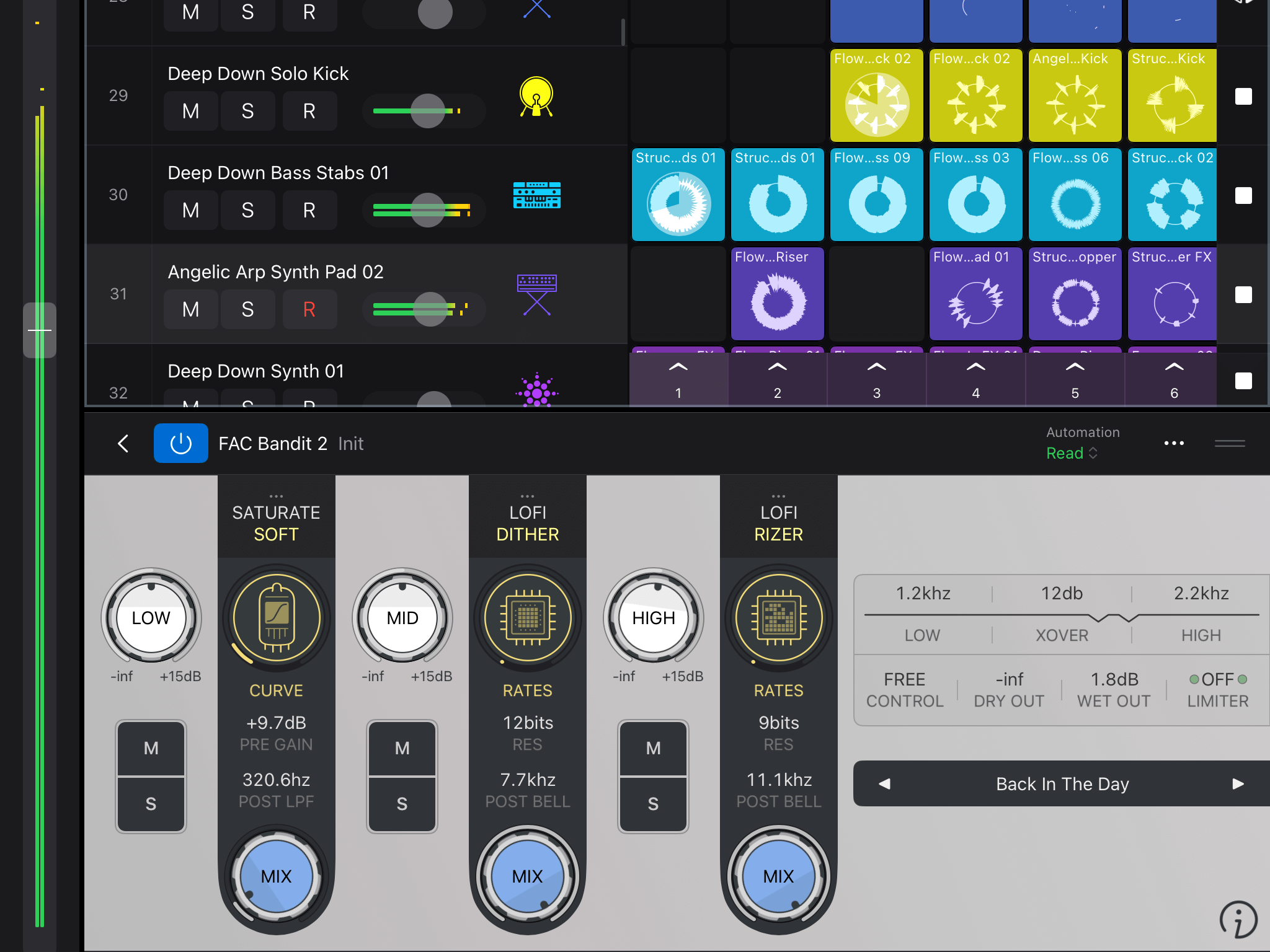
FAC Bandit - Logic Pro (iOS)
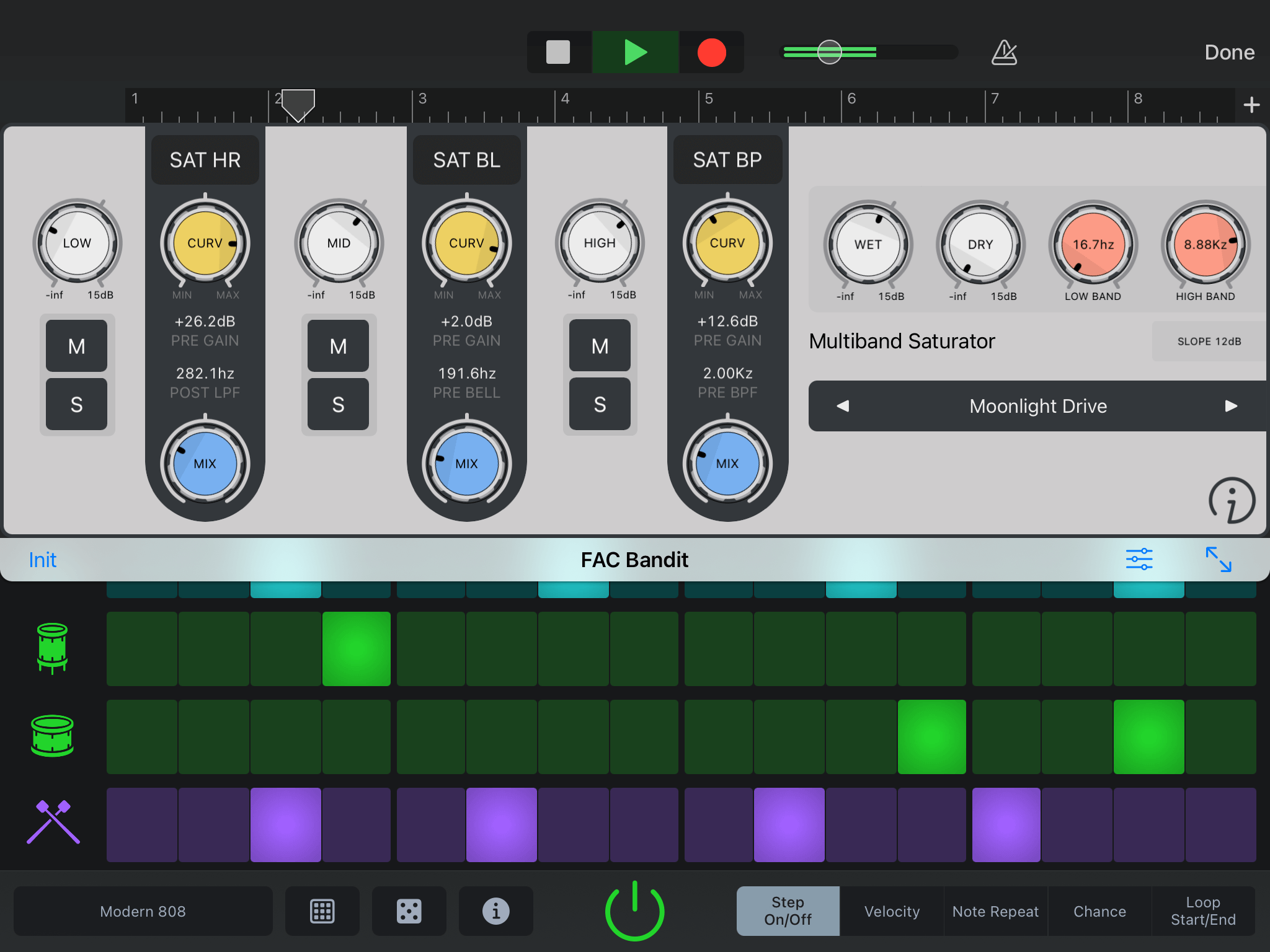
FAC Bandit - Garage Band (iOS)
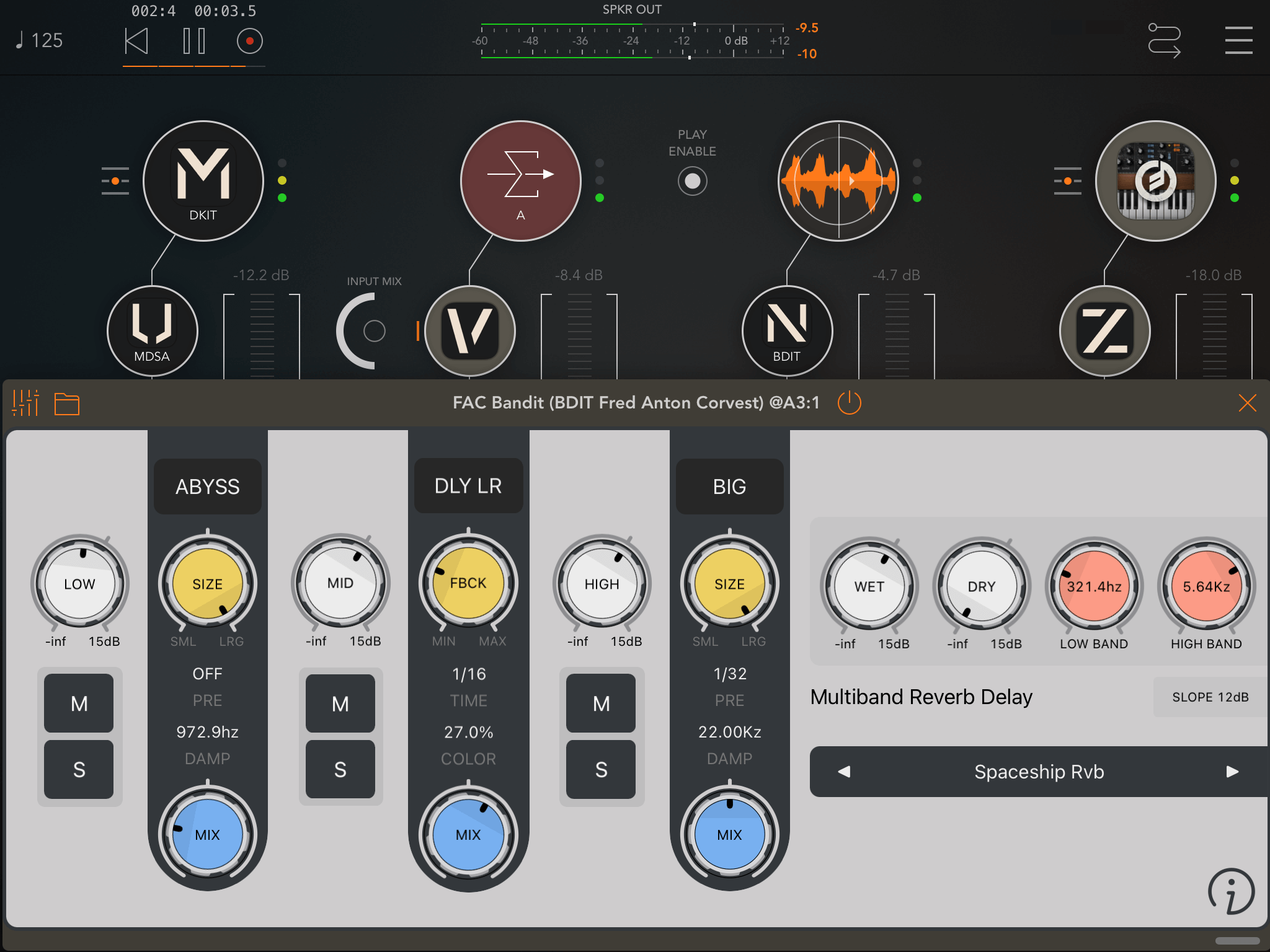
FAC Bandit - AUM (iOS)
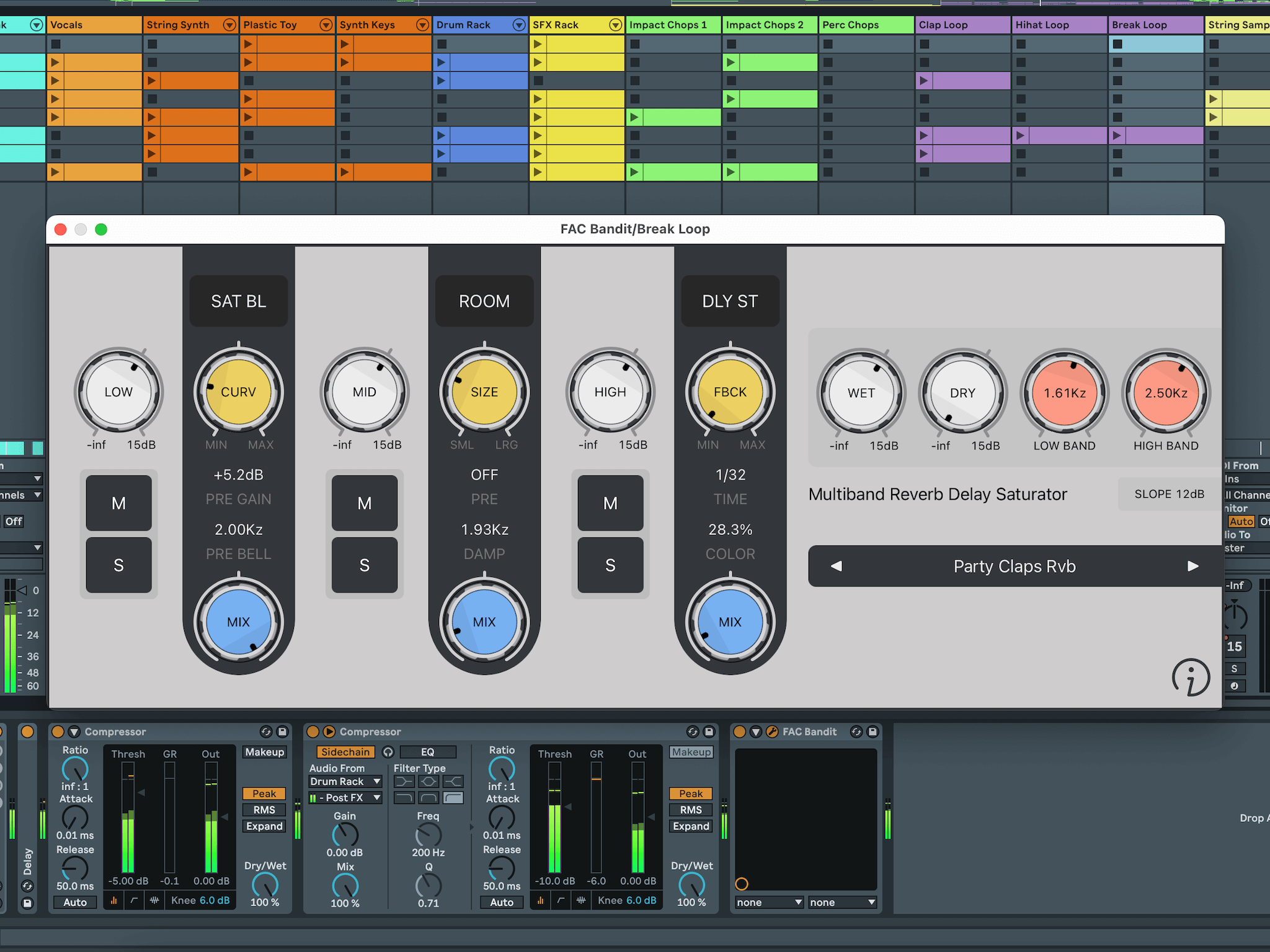
FAC Bandit - Ableton Live (macOS)

What Music Makers Are Saying
Review Fac BanditAll in all, a nice, solid upgrade for one of the best multi-FX processors on the iOS market
Tom (synthanatomy)
I really REALLY love this plugin. Especially hard saturator on extreme settings, just beautiful distortion. This plugin goes instantly to my TOP 10 best plugins on iOS
Dendy
Really transforms the original audio source in whatever direction you want. Another great FAC app
Plu Collective
One of the apps I have fallen for like really hard is FAC Bandit...
Samu
Love it. So nice playing with the high end and muting the bands
Oat Phipps
Wow this is a really impressive effect. The processing between the separate bands sounds suuuuper clean. This will be my new goto to beef up drums
DCJ